Folio · Turn photos into stories
Your photos,
made into a book
that moves.
Pick a curated template, or let AI lay out your photos and write the words. Covers, spreads and real page turns — every page can come to life, and the whole book becomes a page-turning video.
Free download · Requires iOS 17 or later · Photos are analyzed on your phone, never uploaded
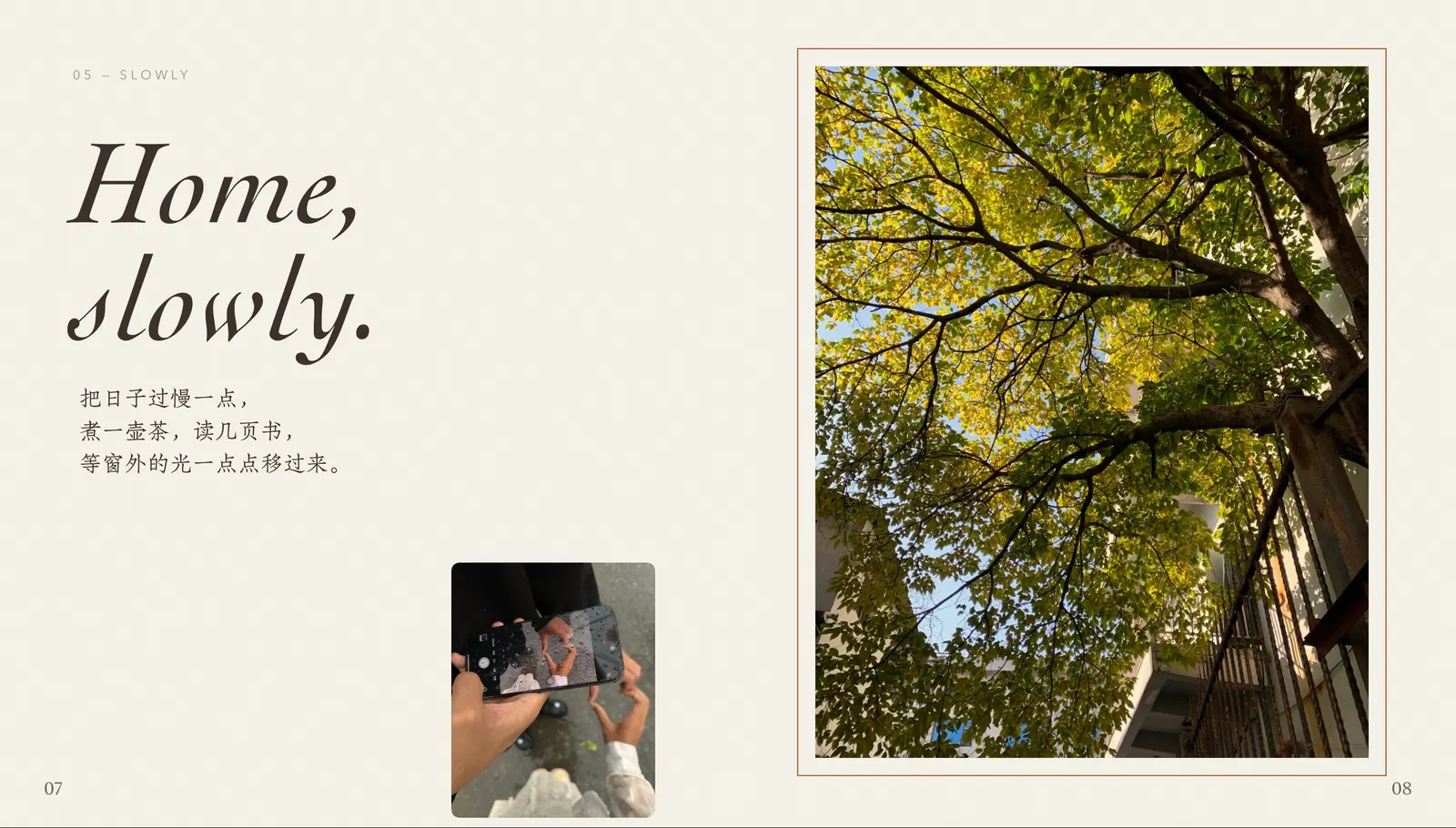
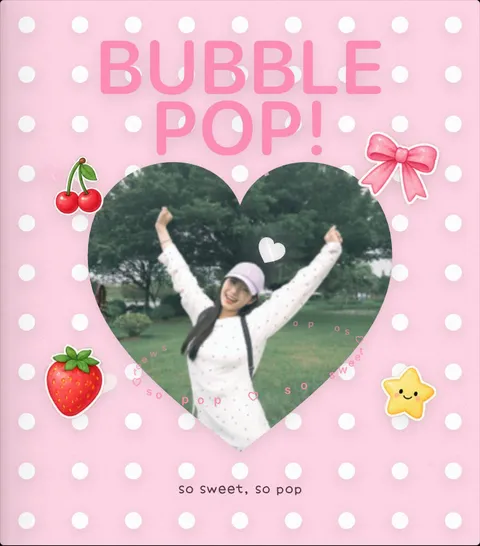
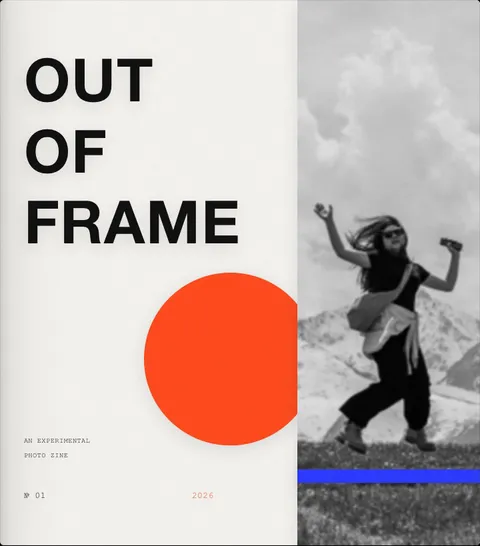
Curated templates
Add your photos.
It's your book.
Every template is a complete book, designed from the cover to the final spread — layouts, type, stickers and motion included. The text is rewritten for your photos, dates and places fill in on their own, and each one comes with its own music.
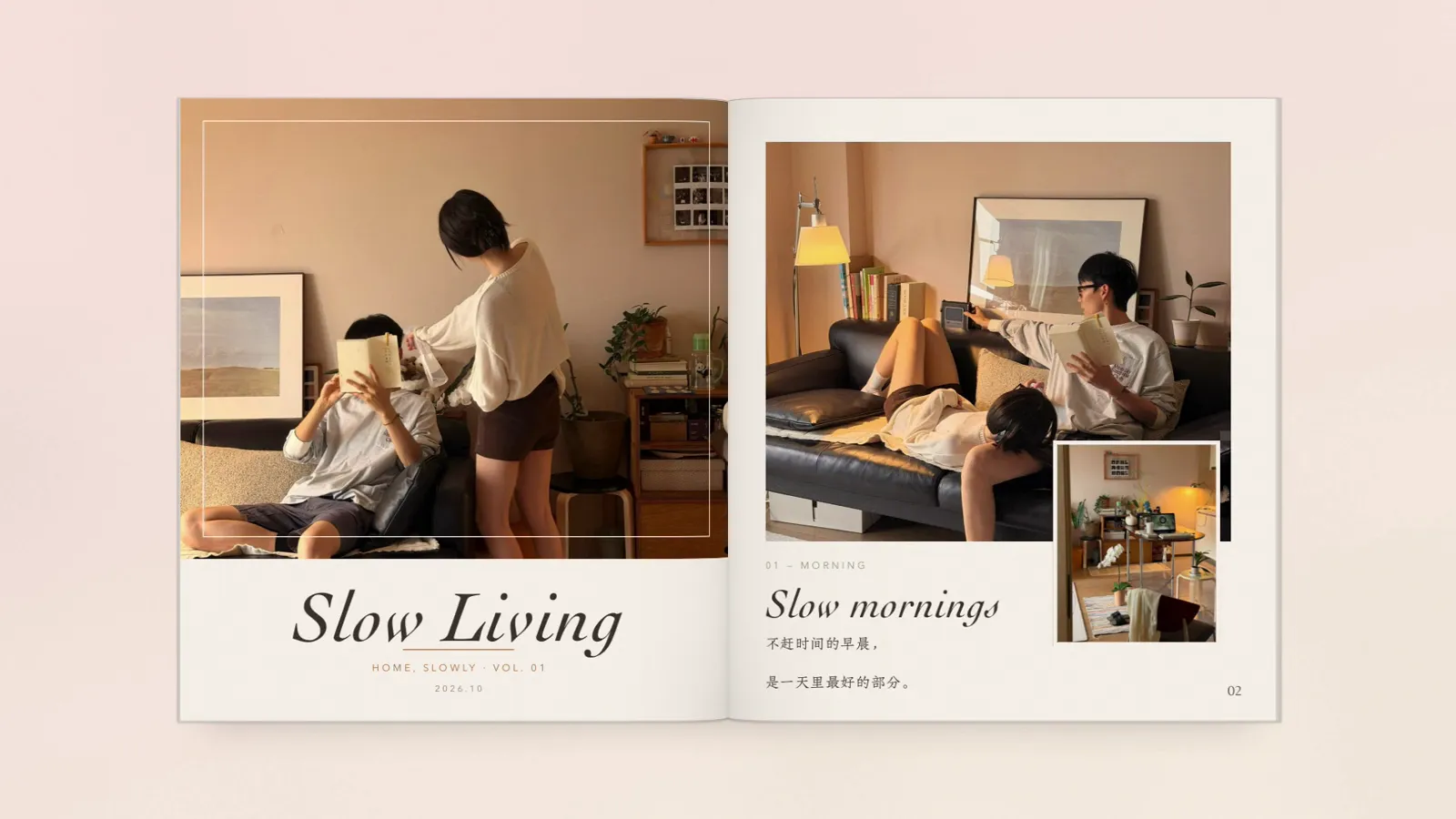
Slow Living Cozy Lifestyle
A warm lifestyle magazine — big scenes with small detail shots, cream and oat paper, hairline frames and serif type with plenty of white space. For home life, coffee, reading, cooking and pets.
Two ways to begin
Start your way
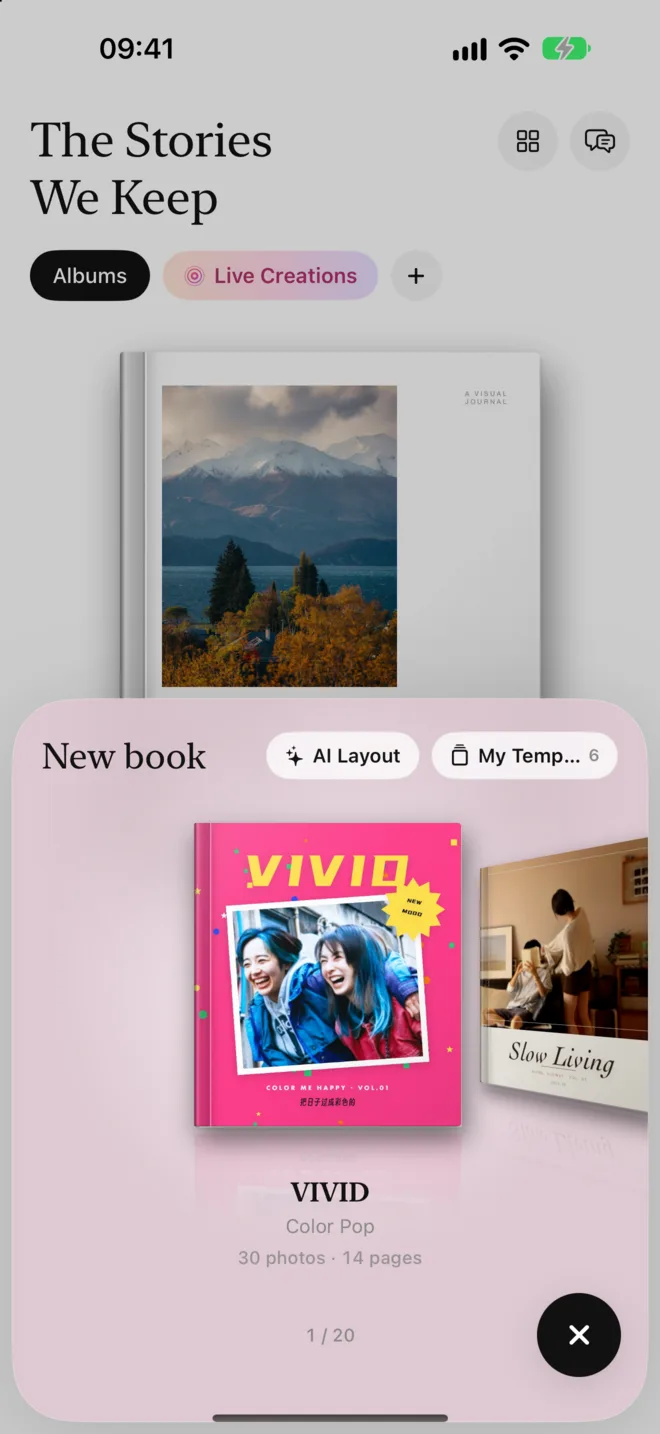
Tap “+” and a panel rises from the bottom: swipe through templates, or let AI build a book from scratch.
Curated templates
Templates stand on a shelf. Open one and flip through the whole book before you decide.
- Weddings, travel, film, diaries, cute, minimal — with new ones added regularly
- Template text is rewritten for your photos, or keep the original
- Every template comes with its own music
AI layout
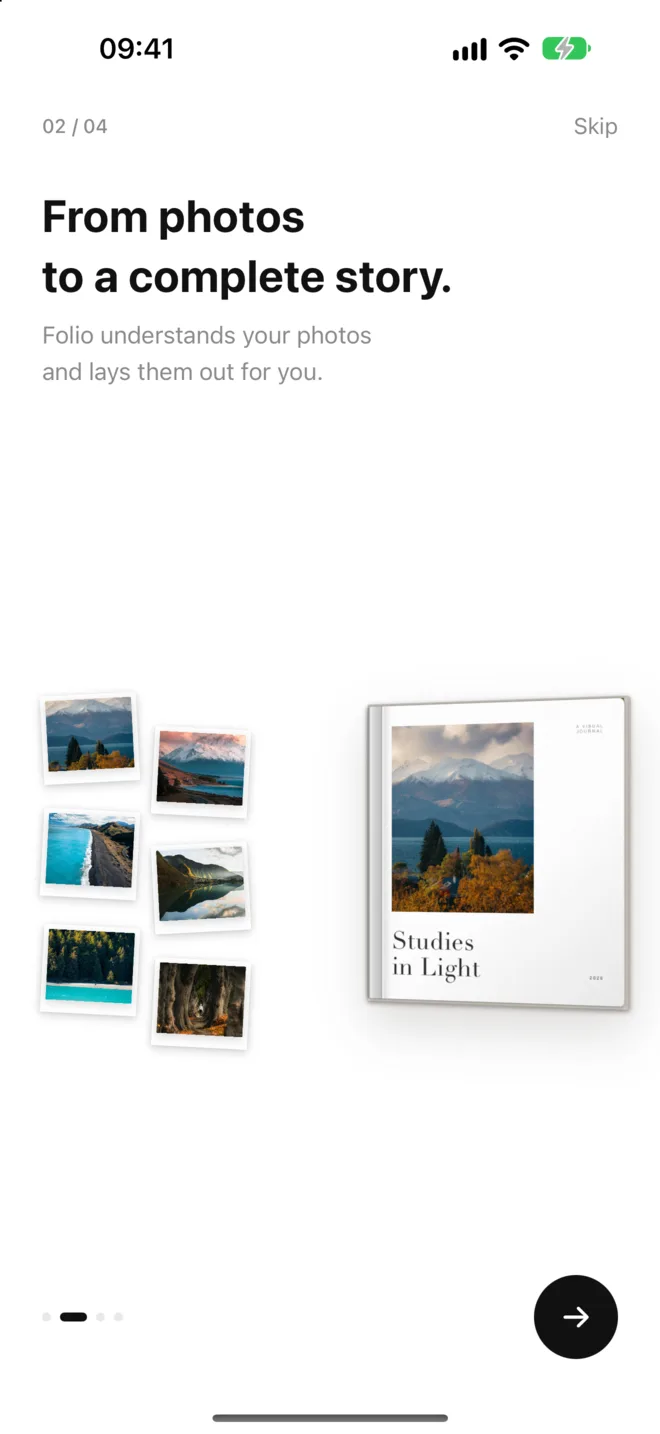
Choose your photos and a style. Folio recognizes the people, places, food and scenery, and arranges a naturally paced book.
- Chapters by time and place, with titles and captions written for you
- Full-bleed images, spreads, collages and white space in rhythm
- Travel, family, couples, babies, pets and everyday life
Edit every page
Every page,
exactly how you want it
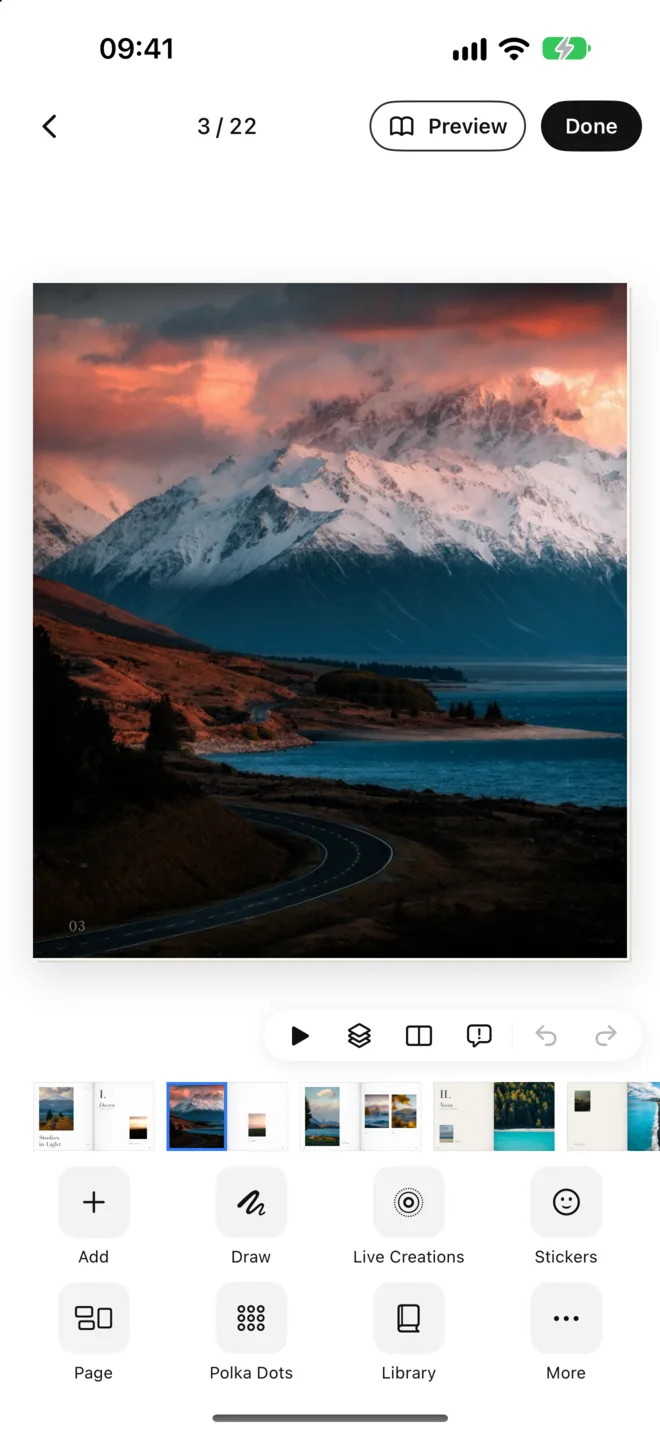
Templates and AI are just the starting point. Photos, text, stickers and motion can all be tuned on their own.
1Photos
Filters, adjustments, subject cut-out, put behind subject, 3D, polka dots, swap, dot grid and multi-photo frames.
2Text
Lots of fonts, text along a path, and letter-by-letter typewriter animations.
3Stickers & drawing
A huge sticker library, stickers from any photo, glass and outline effects; drawings replay stroke by stroke.
4Bring pages to life
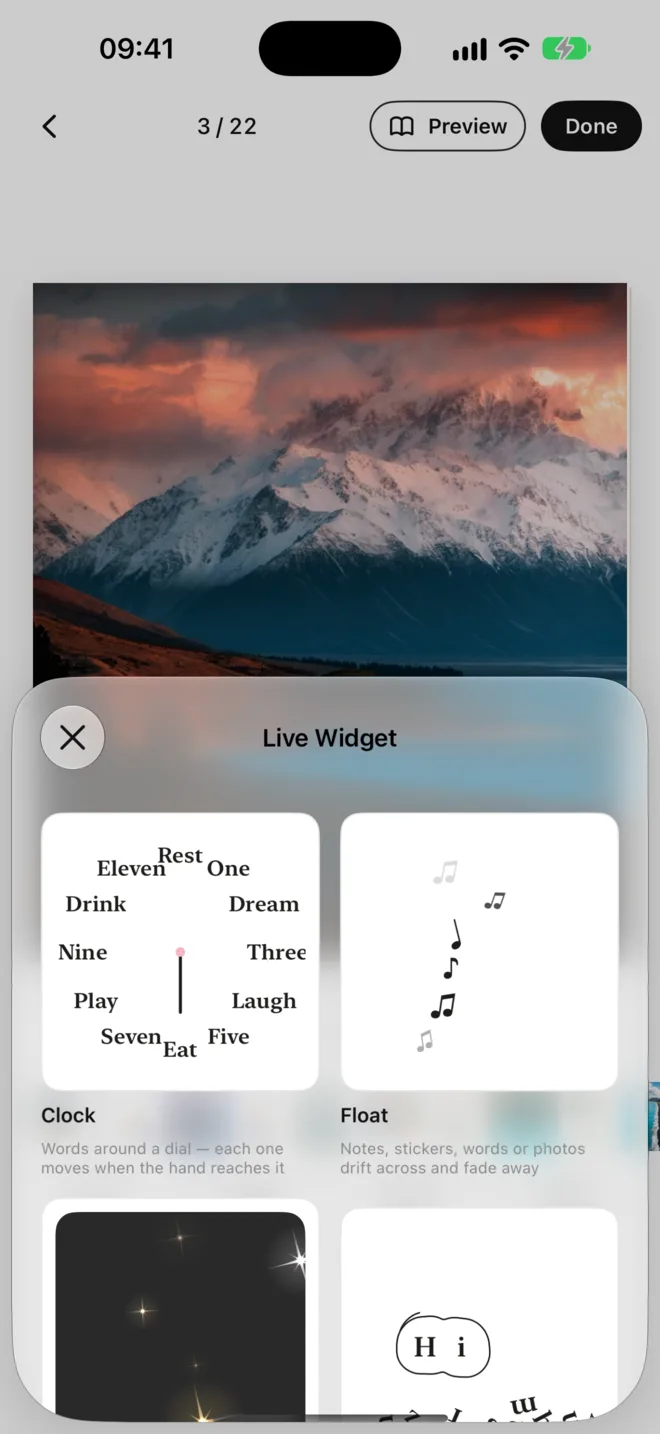
Live Photos and Live widgets — clocks, floating, Bling, subject outline and orbit — plus group animations.
Live creations
One canvas.
Something that moves.
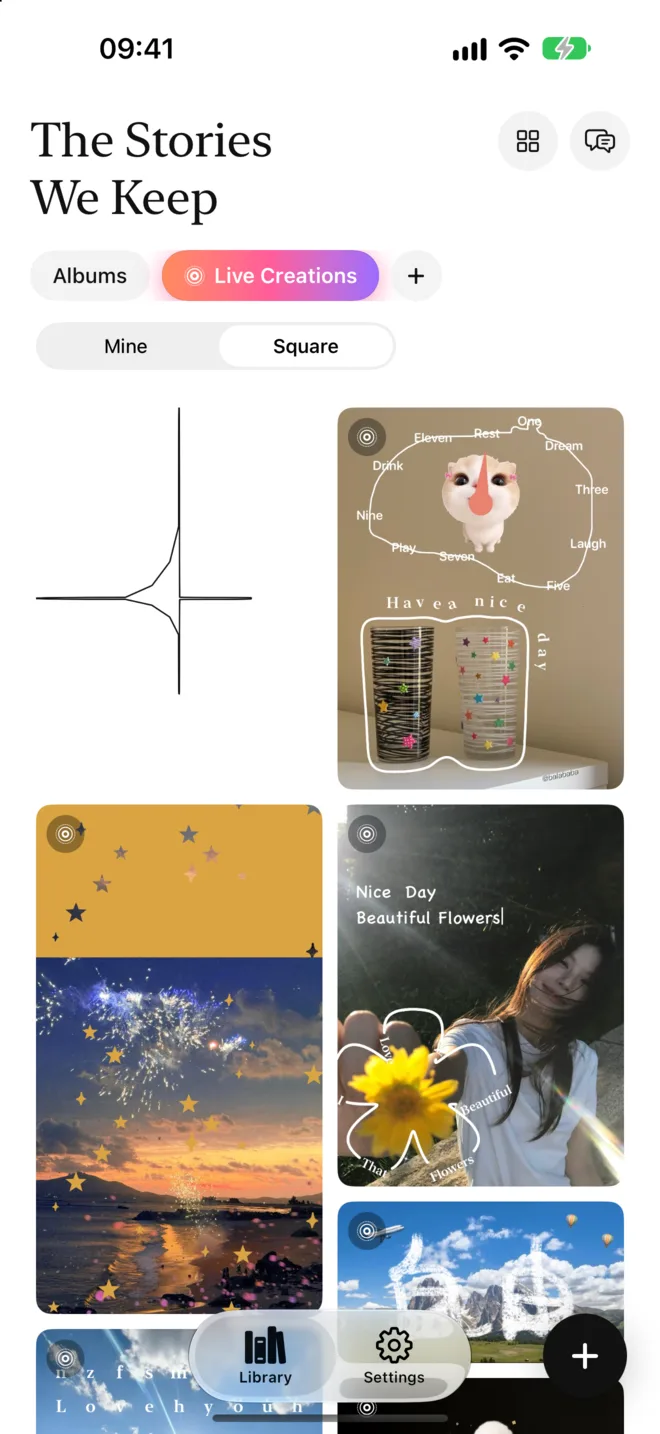
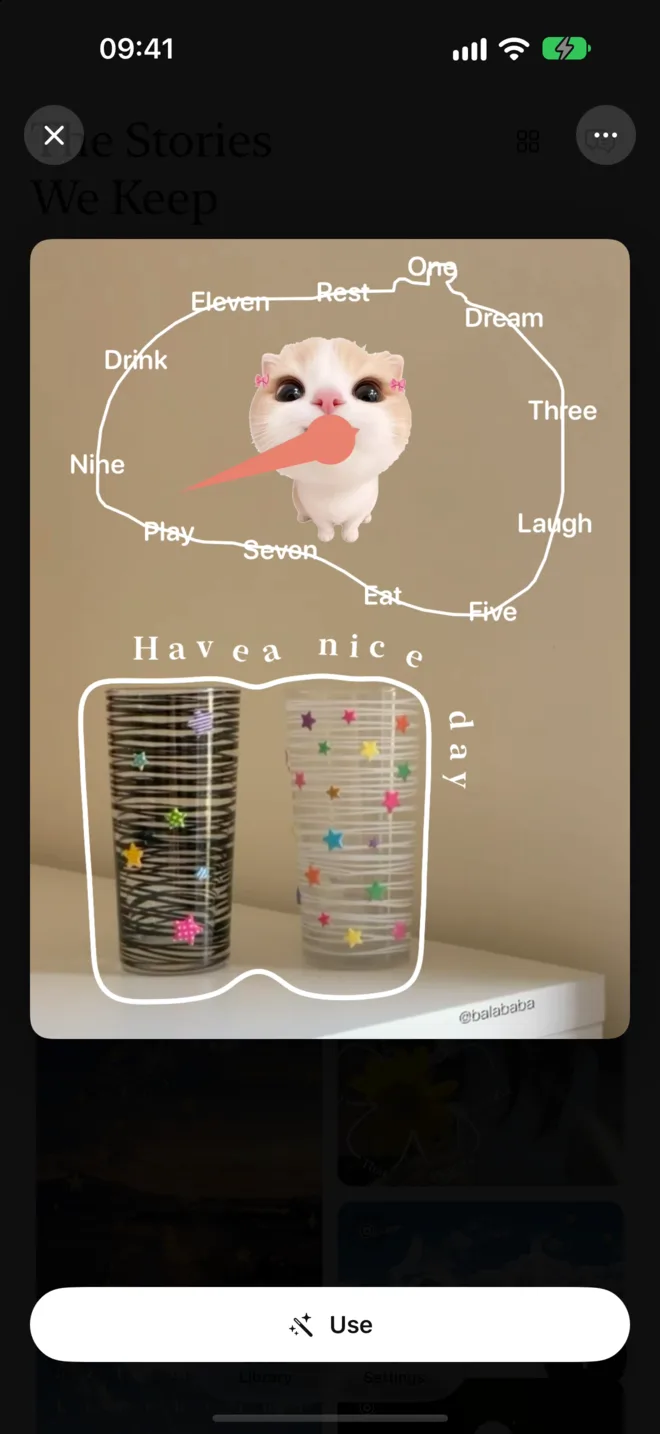
Not just books. Create freely on a 3:4, 9:16, 1:1 or 4:5 canvas, save it as a Live Photo or video, and share it to the Live gallery.
- Live galleryBrowse what others have made. Tap “Use” on one you like and swap in your own photos.
- Embed in your bookPlace any Live creation on any page of a book — it turns with the pages.
Export & share
When it's done,
take it anywhere
01
Page-turning video
The whole book as a page-turning animation with music, in 16:9, 9:16 and more — ready for any feed.
02
A high-quality file to keep, send to family, or print as a real book.
03
Images & Live Photos
High-resolution pages or spreads. Pages that move are saved as Live Photos — press and hold to play.
Privacy
Your photos
stay on your phone
Analysis happens on your device and your photos are never uploaded. Your books are stored on your device, too.
- On-device recognitionPeople, places and scenes are recognized right on your phone.
- Text summaries onlyFor layout and captions, only time, place names and content tags are sent — never photos.
- You decide what to shareOnly pieces you publish to the Live gallery are uploaded.
What's the difference between templates and AI layout?
A template is a fully designed book — pick enough photos and it's ready, with the text rewritten to match them. AI layout recognizes the people, places and scenery in your photos, builds a book from scratch and writes titles and captions. Either way, you can keep editing freely.
Are my photos uploaded?
No. Photos are analyzed on your phone and never uploaded. To lay out your book and write text, only a text summary is sent (time, place name, content tags). Only pieces you choose to publish to the Live gallery are uploaded.
Can I export my book?
Yes — as a page-turning video with music, a high-quality PDF, or high-resolution images of single pages and spreads. Pages that move are saved as Live Photos.
Is Folio free?
You can make your first book for free. Folio Pro unlocks unlimited books, all layouts and filters, high-quality export and priority layout. Plans and prices are shown in the app.
Does deleting a book affect the originals in my Photos library?
No. Folio keeps its own copy for the book and removes it when you delete the book. The originals in your Photos library are untouched.
Make your first book
A trip, a wedding, an ordinary week, a cat — open it in minutes.
Download on the App StoreRequires iOS 17 or later